Free image compressor
Compress JPG, PNG and WebP to a target size, adjust quality, and download your results individually or as a ZIP.
Image compressor
Compression settings
Batch presets0
Save settings for this tool in this browser. Images are not included.
Export settings
Names update without reprocessing. Extensions match the output format; duplicate names get a suffix.
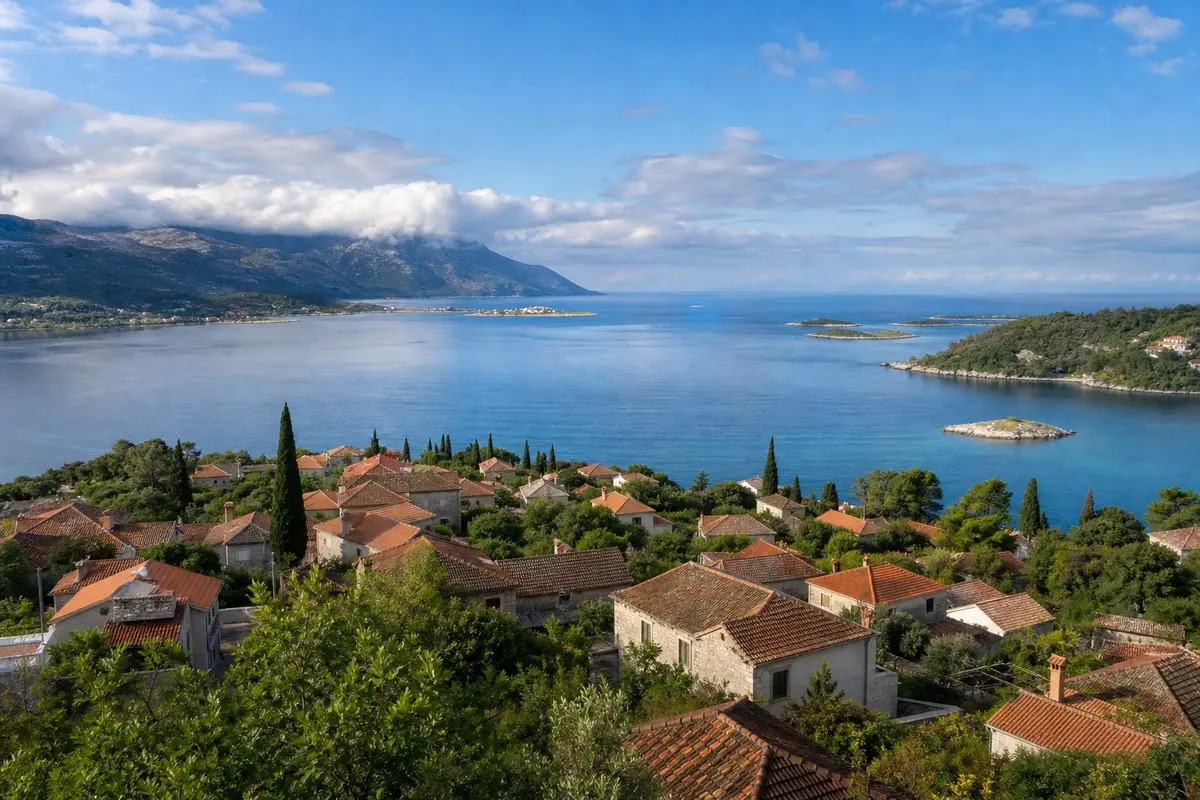
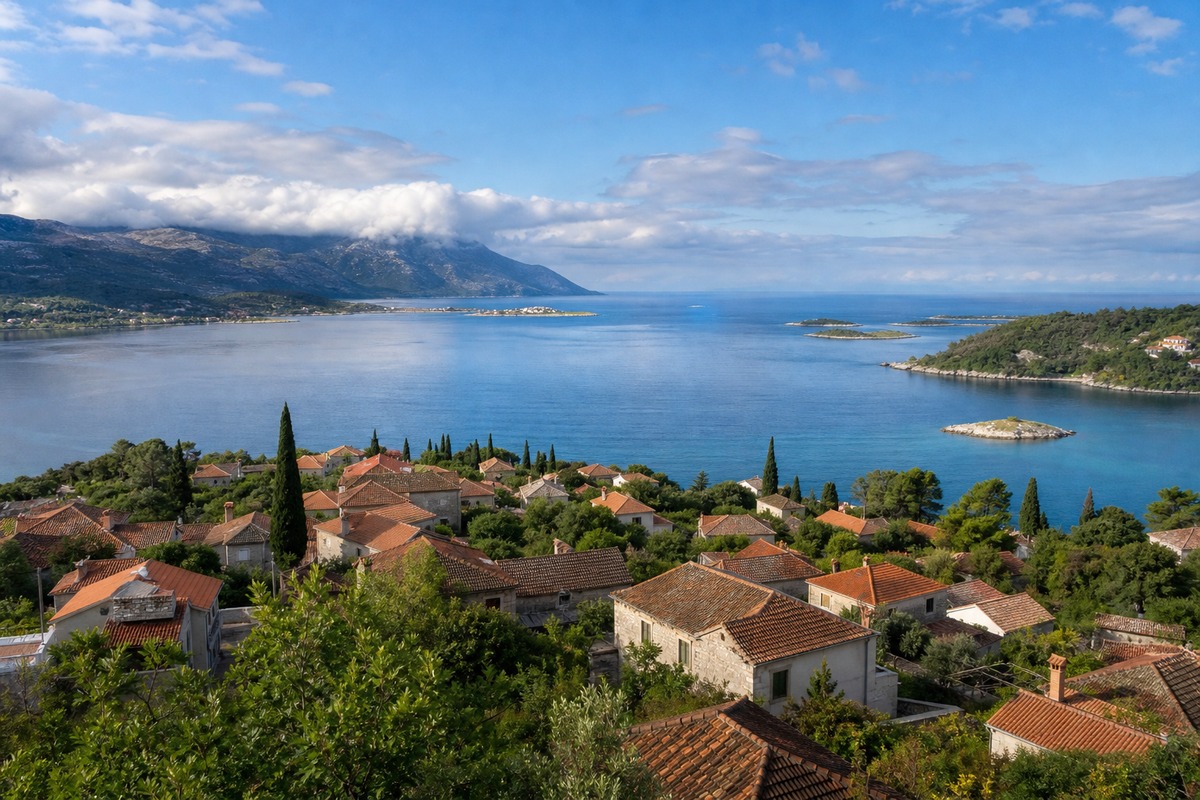
image.jpgLess size. Still a clear view.
Drag the divider to explore the same photo before and after compression.
Real sample · JPG → WebP · quality 75. Both images are 1200 × 800. Results vary by image and settings.
A little more room to create
Pixelate or redact image regions
Draw rectangles to pixelate or cover selected areas. Adjust block size and reuse relative positions across a batch.
Add image padding and expand canvas
Add borders, fit images onto a fixed canvas or expand to an aspect ratio. Choose a background and process a batch.
Batch watermark images
Add text or your logo to JPG, PNG and WebP images. Preview, save your settings and export a batch.
Crop & rotate
Frame your images, rotate them and flip them. Apply the same settings to a whole batch.
Resize images
The right dimensions, every time. Resize by pixels or percentage, one image or a whole batch.
Convert image formats
Convert between JPG, PNG and WebP. Set image quality, choose a background and download your batch.
Stitch images together
Turn a few images into one story. Arrange, space and join them horizontally or vertically.
How do I compress an image to 100KB or 200KB?
Add your image, enter 100 or 200 in Target size, then start compression. The target is a best-effort limit, not an exact file size. If the result is still too large, lower the maximum width or try WebP.
Will compression change image quality or dimensions?
Lossy JPG and WebP compression can reduce detail, especially at lower quality settings. Max width limits the output dimensions; set it to 0 to keep the original dimensions. Set Target size to 0 if you want to choose quality without trying to meet a file-size limit.
Should I choose JPG, PNG or WebP?
JPG suits photos and many online forms. PNG is useful for transparent graphics and screenshots. Try WebP for website images. The quality slider does not apply to PNG, and JPG cannot preserve transparency. File size depends on the image; converting formats does not always make it smaller.
Can I compress several images at once?
Yes. Add up to 50 JPG, PNG or WebP images per batch. Download results individually or save them together with Download ZIP. Each image can be up to 50MB and 40 megapixels.
Why is my compressed file barely smaller?
The original may already be optimized, or your output format may produce a larger file. Try a lower quality setting, a smaller maximum width or WebP. For text screenshots and transparent graphics, check the details before compressing further.
Can I also resize, convert or stitch images?
Yes. Resize in the navigation supports pixel dimensions and percentages. Convert switches between JPG, PNG and WebP. Stitch combines multiple images horizontally or vertically.
Popular compression tasks
Need a smaller file?
Start with a target size. If the result is still too large, try reducing the width or switching formats; the guide explains each setting.
Read the compression guide